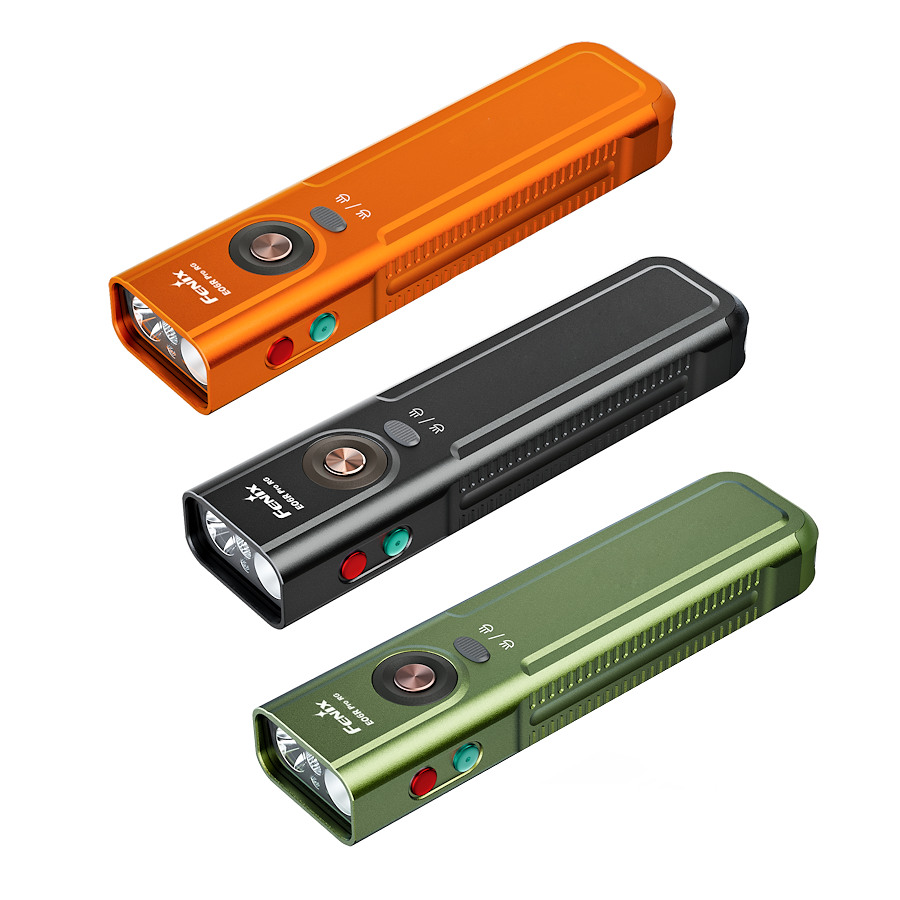
Please note: This flashlight is for adult use only. Not for use by children. Always lock the flashlight after use to prevent accidental activation of the Turbo mode.
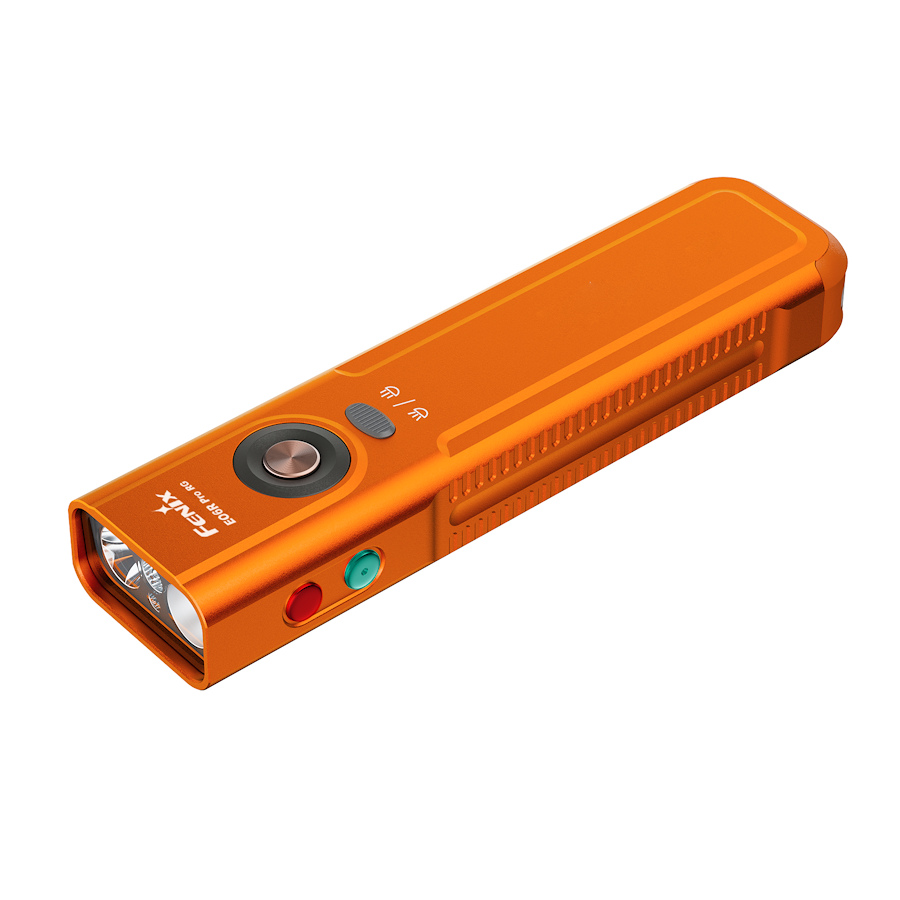
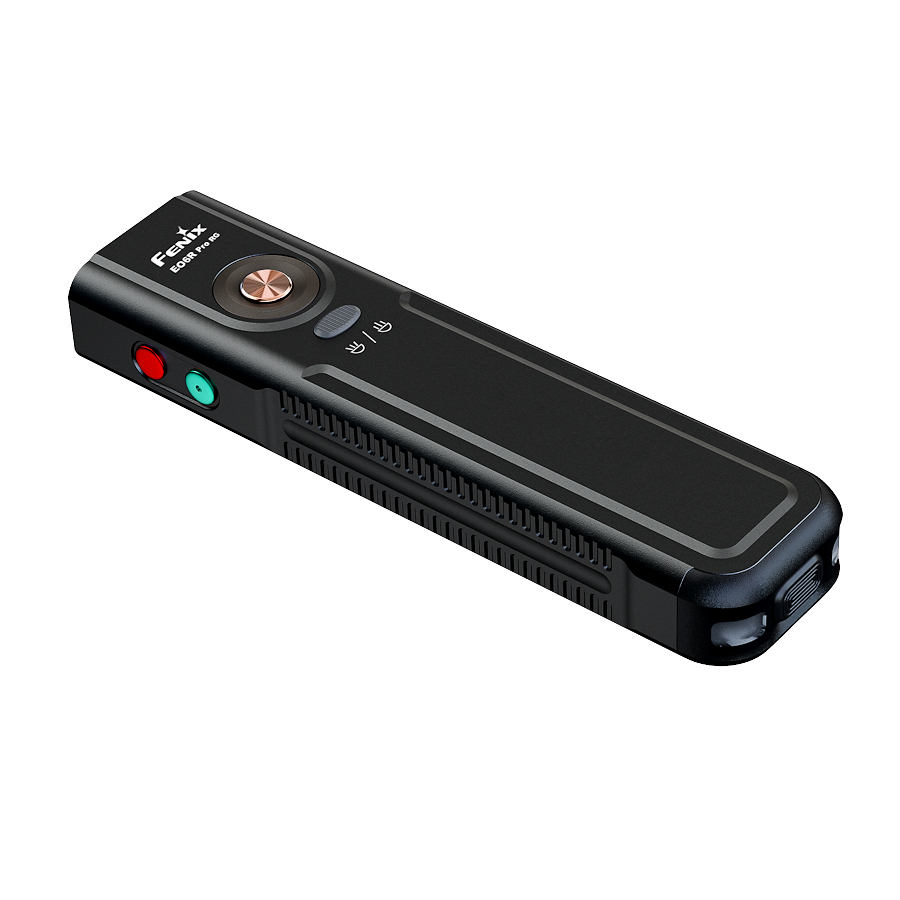
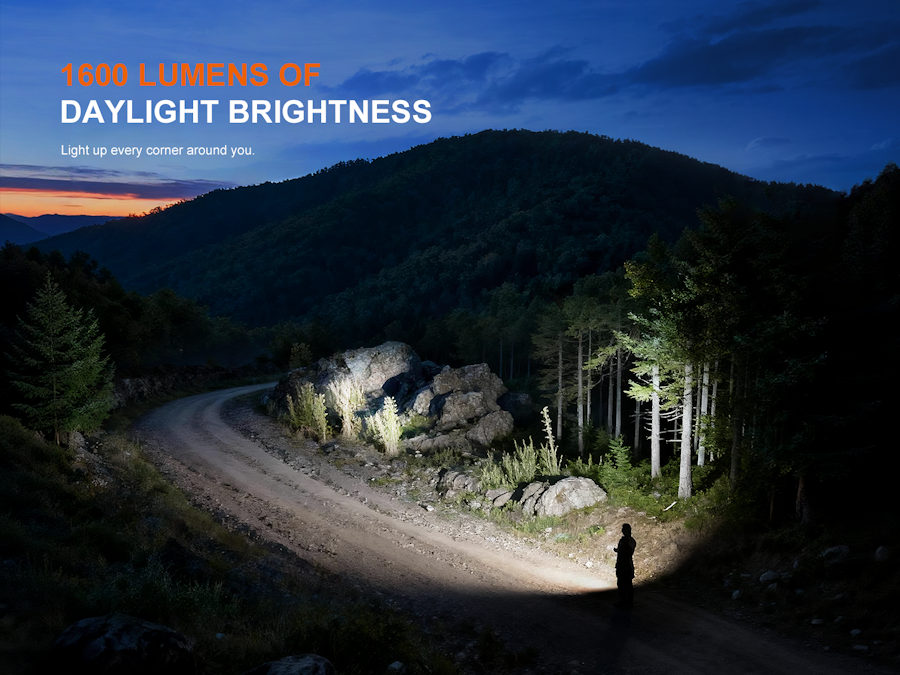
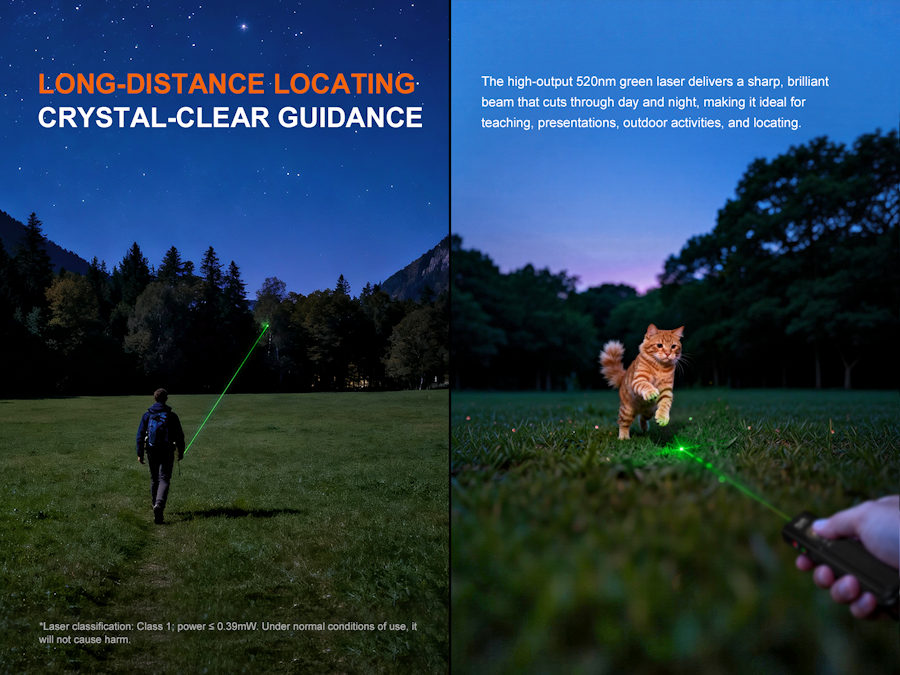
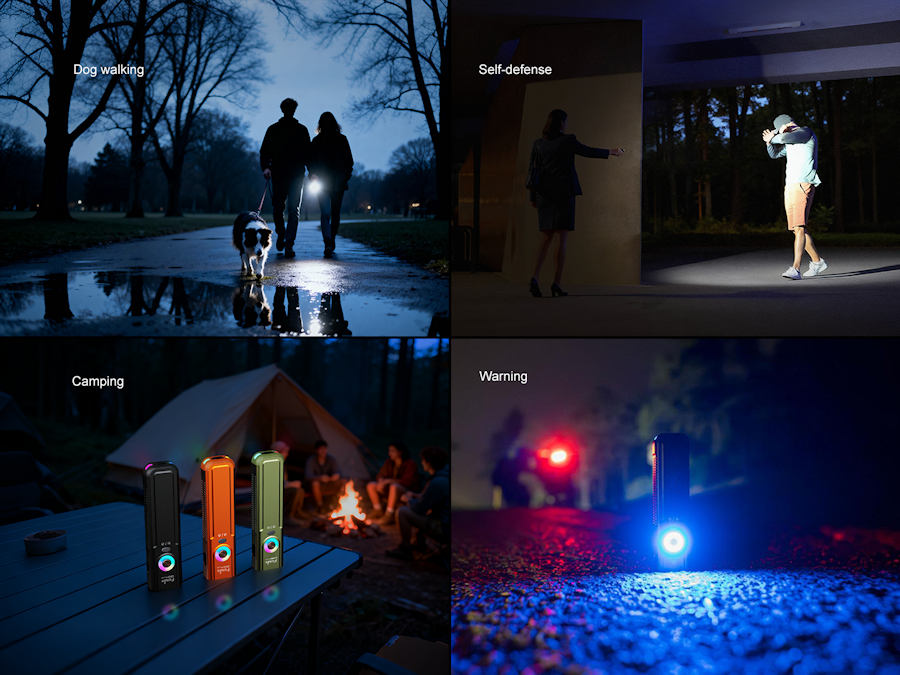
Fenix E06R Pro RG is a high performance pocket size torch with multiple light sources, including a powerful spotlight, floodlight, red light, green laser and multi colour ring light. With its compact size, powerful 1600 lumen lighting and a beam range in excess of 160 metres, this tough companion is ideal for every day carry, professional use and outdoor adventures.
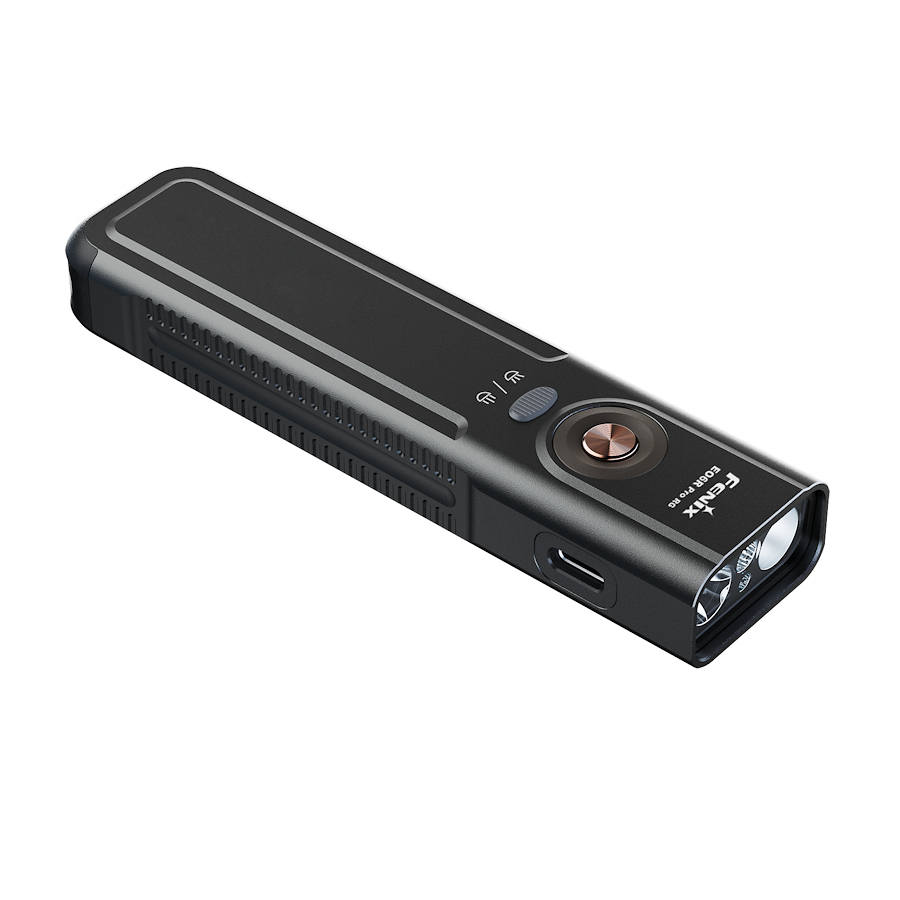
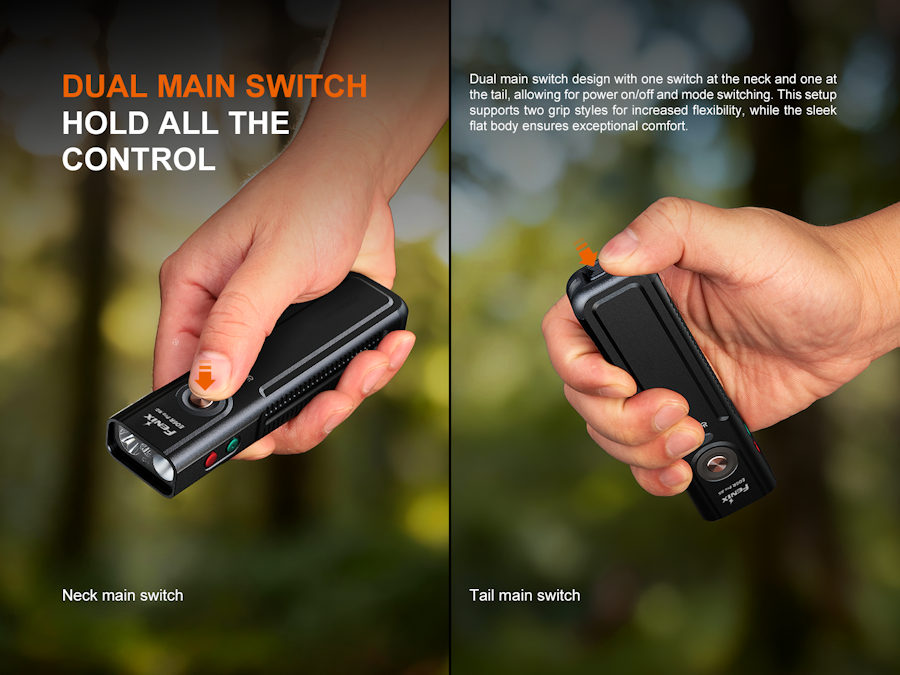
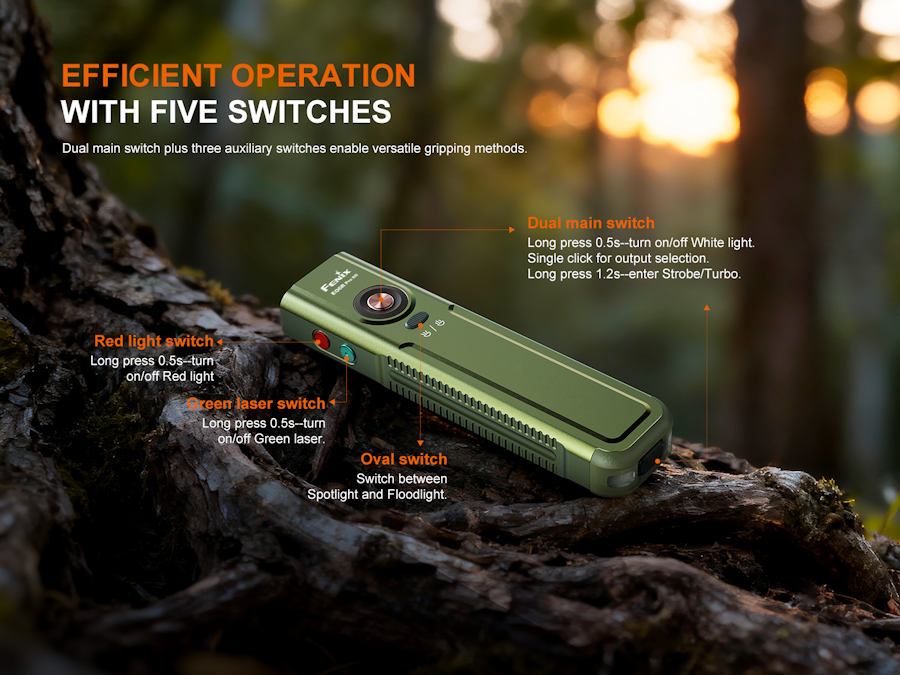
Dual switches, one at the neck and one at the tail provide 2 grip options for comfortable use of the primary white light sources, whilst the spot/flood button behind the neck switch enables fast beam switching. The dual brightness red LED and the 0.39mw green laser each have their own switch at the side of the light.
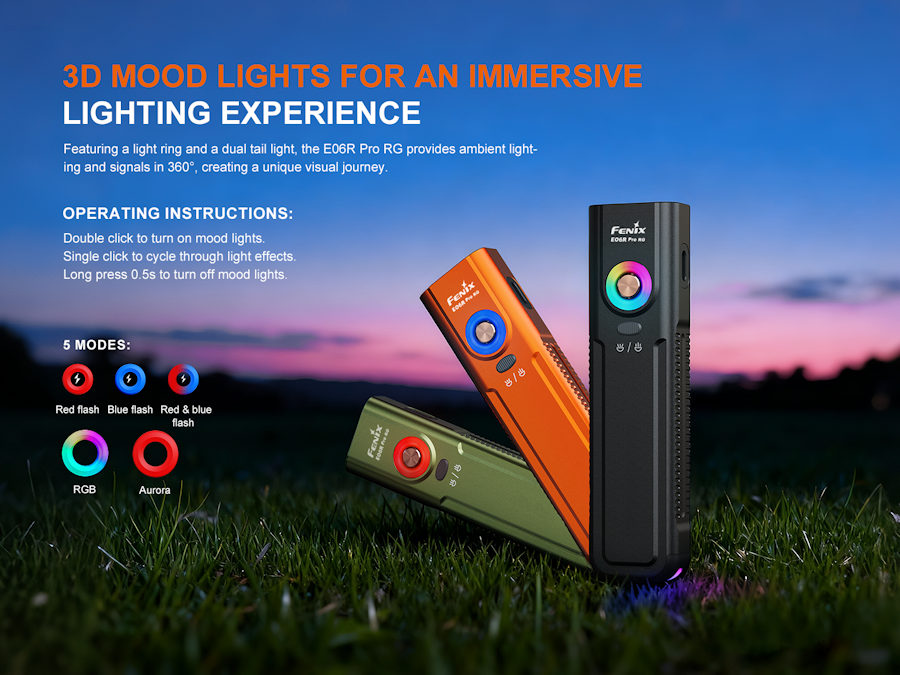
Ambient and emergency lighting is provided by the multi colour ring light around the neck switch and twin lights in the tail.
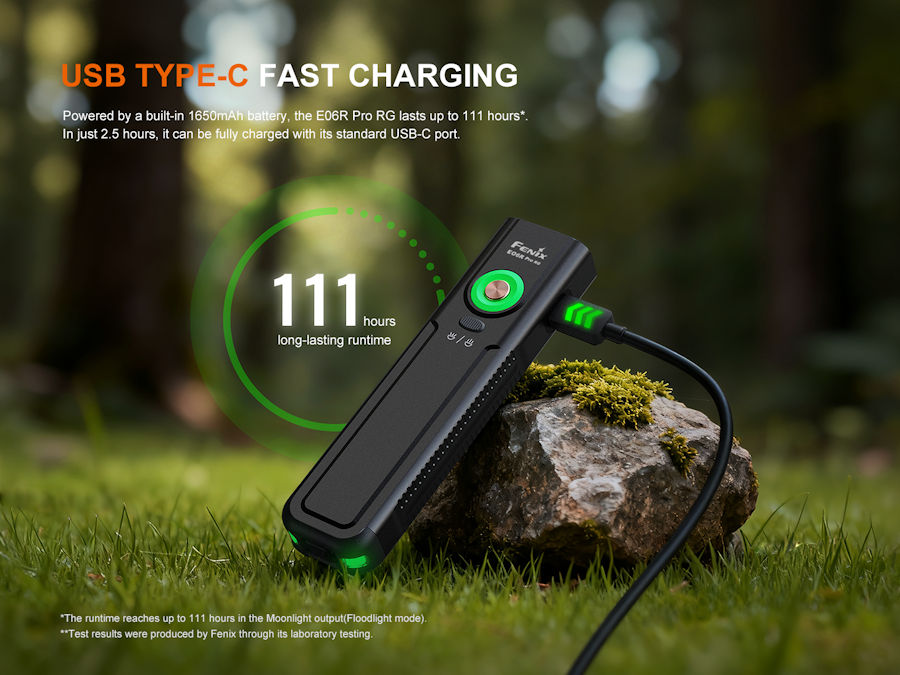
The built-in 1650mAh Li-po battery is recharged via a waterproof USB-C socket and delivers up to 111 hours of run time in Eco mode.
Built to an outstanding quality standard, This professional- grade tool is a testament to Fenix's unwavering commitment to innovation and quality.
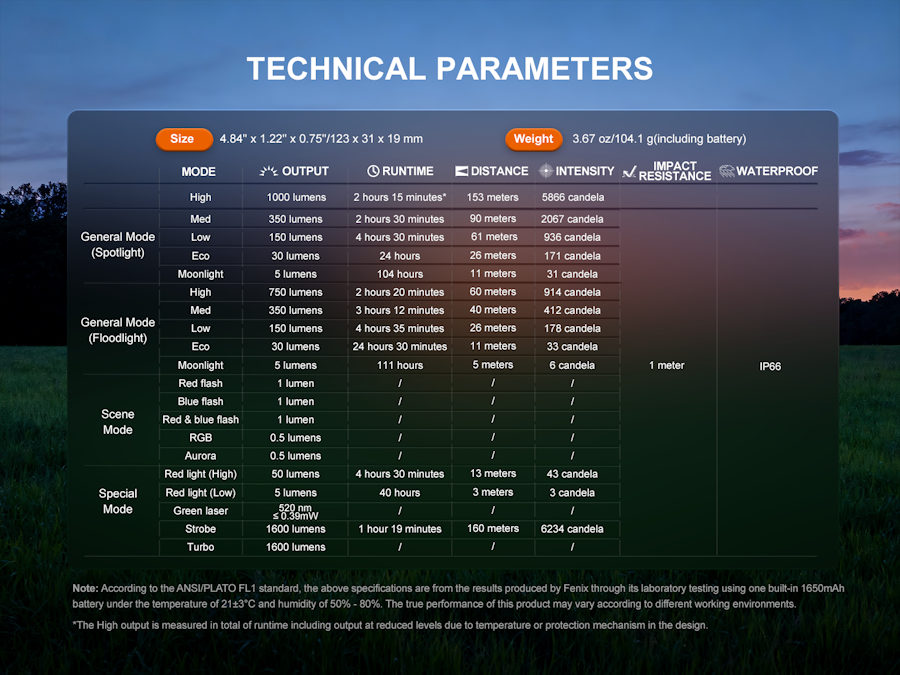
Red flash: 1 lumen
Blue flash: 1 lumen
Red & blue flash: 1 lumen
RBG: 0.5 lumens
Aurora: 0.5 lumens
Fenix E06R Pro RG LED torch features:
• Large engraving area for text and logo's
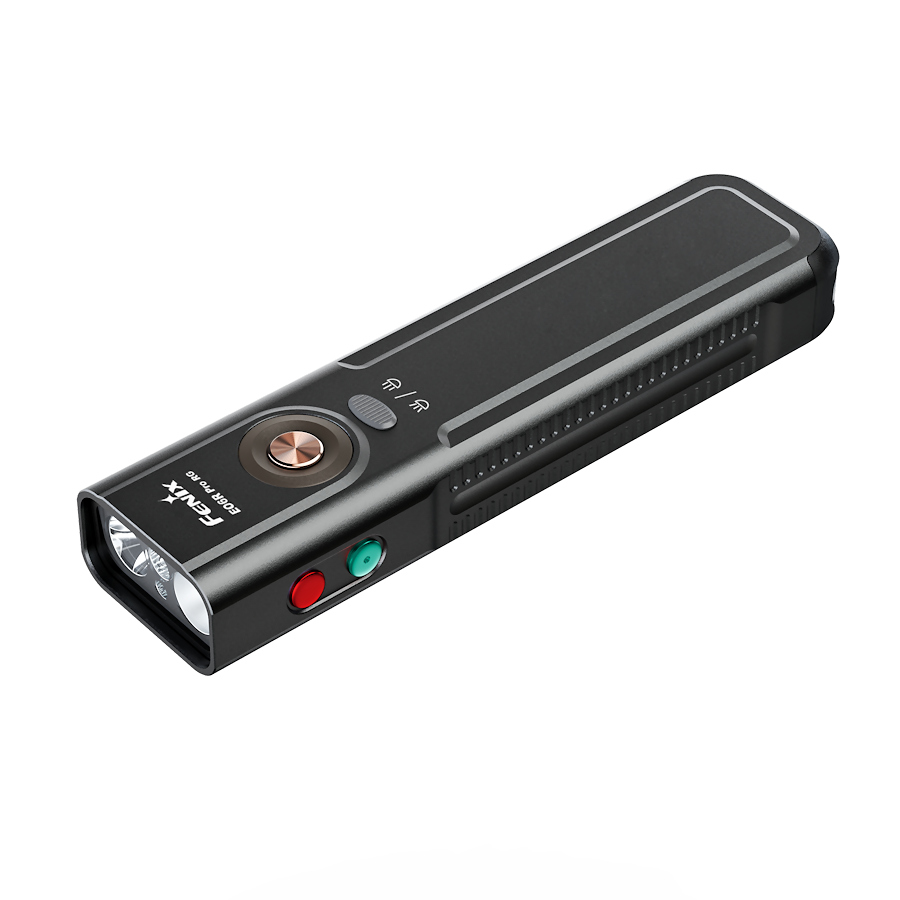
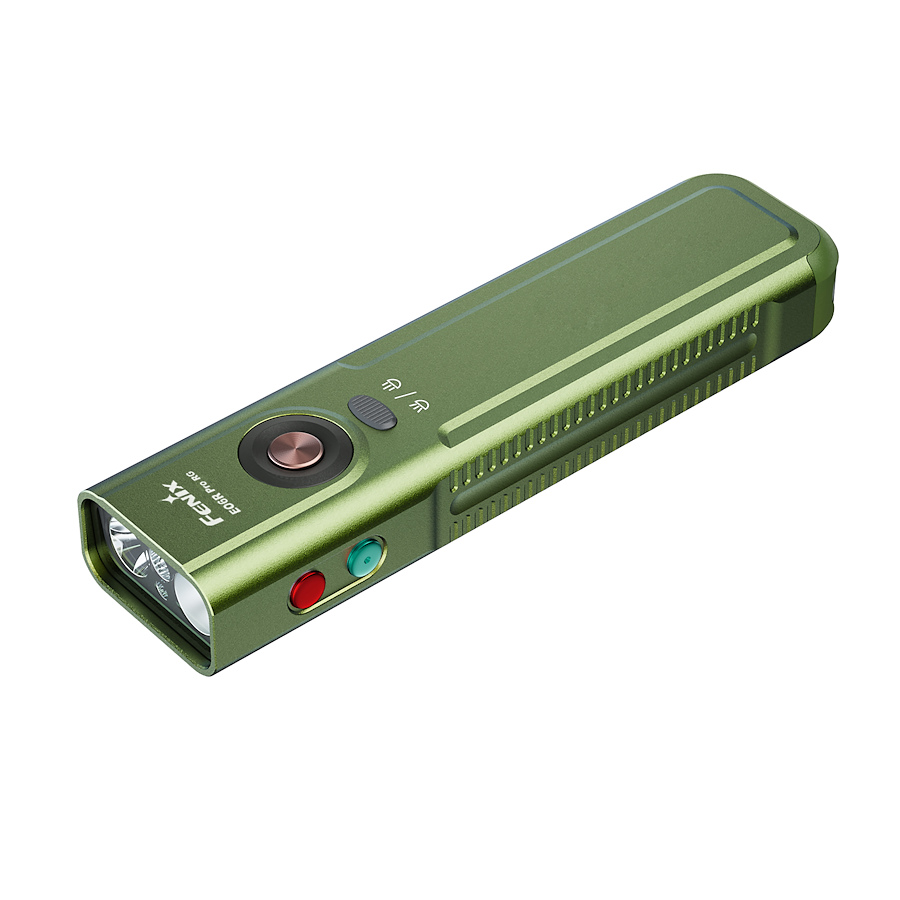
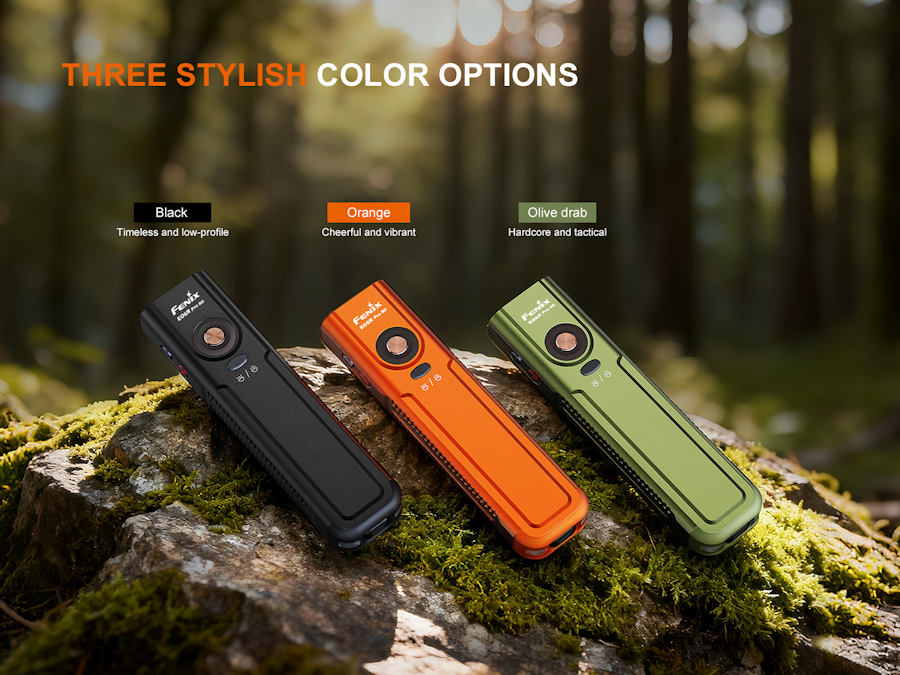
• Available in orange, black and olive drab colours
• Dual switches (neck and tail) for torch operation giving a choice of grip style
• Rapid Turbo function on tail switch
• Individual switches for spot & flood/ring light, red light and green laser
• 1650mAh lithium polymer battery built-in
• USB-C charging with inner waterproof charging socket
• Electronic lock to prevent accidental activation
• Compact and ergonomic
• Premium aluminium construction
• Type111 hard anodized finish
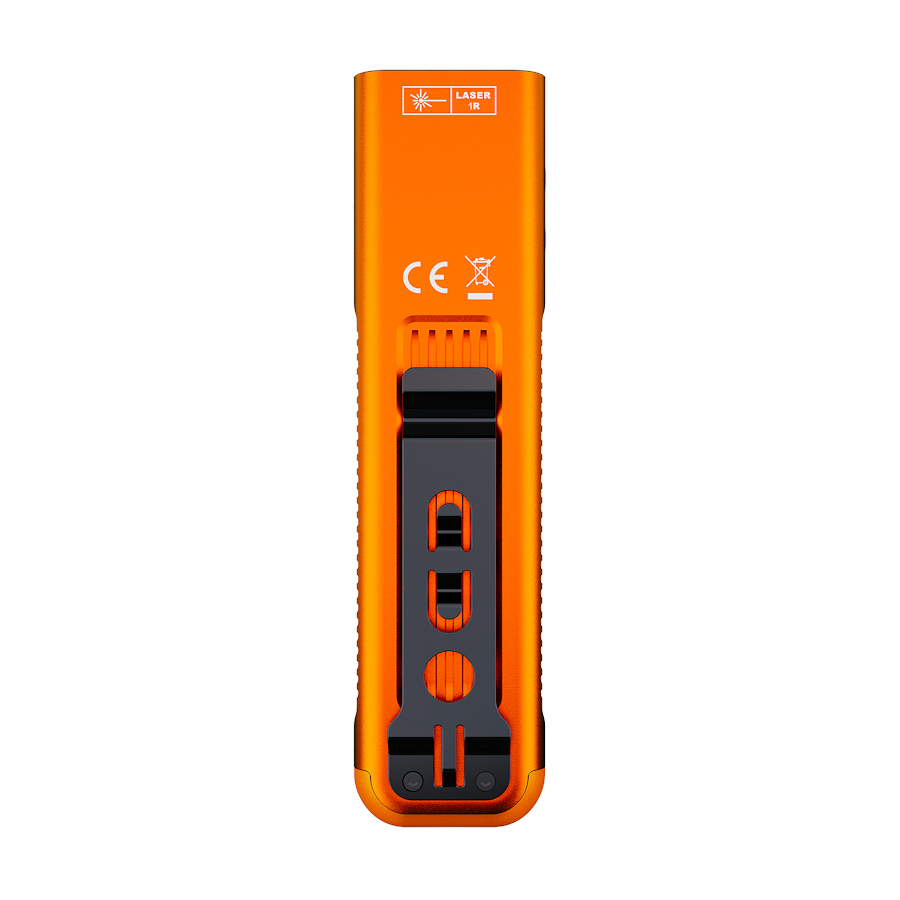
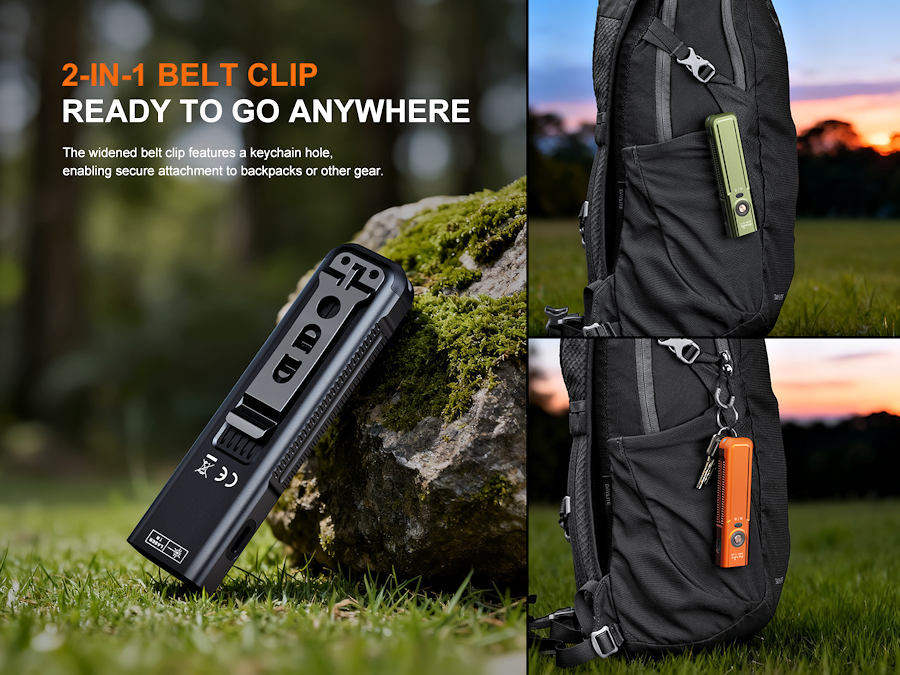
• Wide belt clip with split ring hole
• Intelligent memory on spot & flood beams
• Over heat protection
• Low voltage warning
• Battery meter built-in to ring light
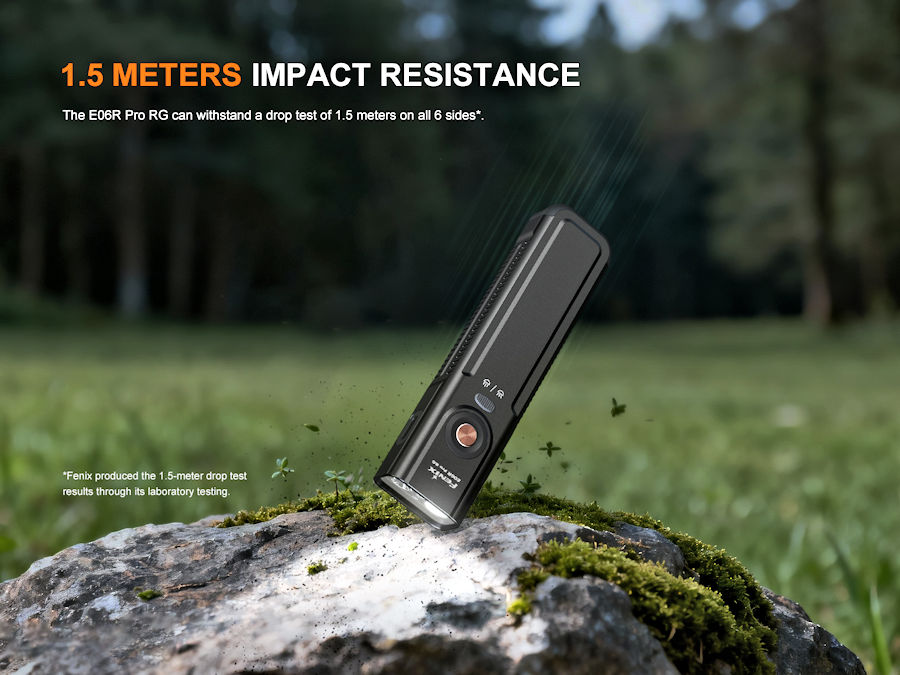
• Drop tested 1.5m
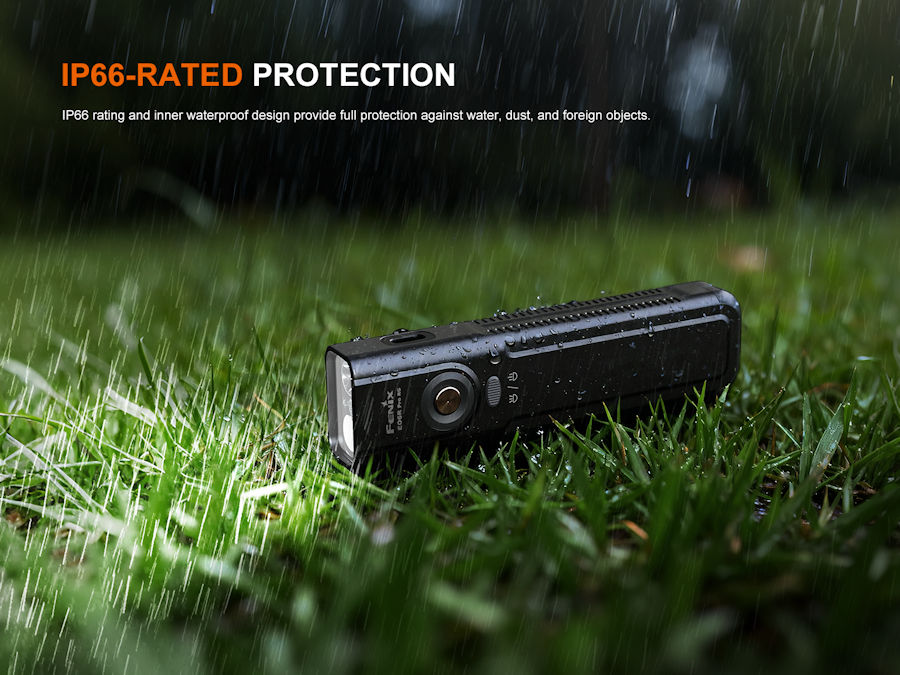
• IP66 weatherproof
• Size: 123 x 31 x 19 mm, weight 104.1g (including battery)
1 x Luminus SST20 LED, 1 x SFT25 LED, Red LED and Green Laser
Additional Lighting Option
Laser
Model
E06R PRO RG
Battery Type
Built in rechargeable battery
Battery Quantity
1
Additional Battery Type
N/A (Note battery is not user replaceable)
Output/Runtime
Please refer to the product description
Flashing Modes
Marker light around On - Off - Mode button with Red Flash, Blue Flash & Red & Blue Flash, Strobe
Max Beam Distance
160m
Reflector
Smooth reflector on spot beam, faceted reflector on flood beam
Lens Type
Toughened Ultra - Clear glass lens with anti - reflective coating
Switch Type
Dual on/off mode switches, spot/flood switch and side Red light and Laser Pointer switches
Construction
A6061-T6 aircraft grade aluminum
Finish
Premium Type III hard-anodized anti-abrasive finish
Tail Stand
No
Pocket Clip
Yes
Waterproofing
IP66, weatherproof and dustproof
Dimensions/Weight
123mm (Length) x 31mm (Width) x 19mm (Depth)
104.1 grams
Further Info
n/a
Shipping Restrictions
Torch
Operation
Warning:
◎Do NOT shine the flashlight directly into anyone’s eyes, as this flashlight is a high-intensity lighting device. ◎All information provided in this manual is subject to change without prior notice. ◎Do NOT place this flashlight in the reach of children! ◎Do NOT place light head near flammable objects, high temperatures can cause objects to overheat and become flammable/ignite! ◎Do NOT use the flashlight in inappropriate ways such as holding the unit in your mouth, doing so could cause serious personal injury or death if the flashlight or internal battery fails! ◎This flashlight will accumulate a significant amount of heat while operating, resulting in a high temperature of the light shell. Pay close attention to avoid burns. ◎Lock the flashlight to prevent accidental activation when the flashlight is placed in a closed and flammable environment such as pockets and backpacks! ◎The LEDs of this flashlight are not replaceable; so the whole flashlight will need to be replaced when any one of the LEDs reaches the end of its lifespan. ◎This flashlight is for professional use only. Not for use by untrained individuals or children. ◎This flashlight complies with the EU photobiological safety standard EN 62471. Please use this flashlight according to the specified safety classification.
Fenix E06R Pro RG operation:
White light mode:
Press and hold the neck-mounted switch/tail switch for 0.5 seconds to turn on the White light mode. Single click the neck-mounted switch/tail switch to cycle through Moonlight Eco →Low→Med High. Press and hold the neck-mounted switch/tail switch for 0.5 seconds to turn off the White light mode.
Single click the oval switch to select between Spotlight and Floodlight in White light mode.
Red light mode:
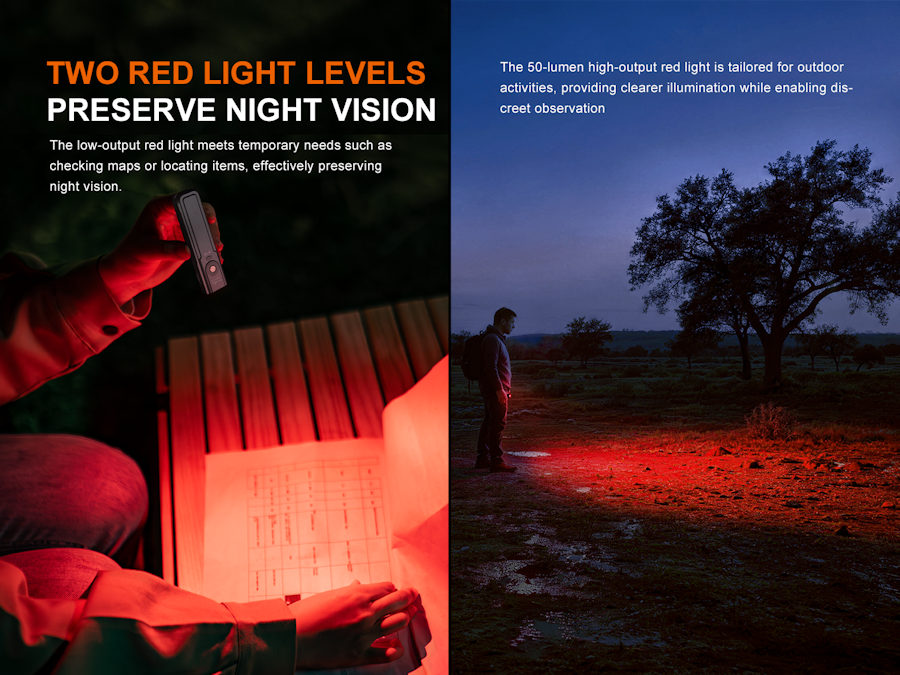
Press and hold the side red switch for 0.5 seconds to turn on the Red light, press and hold it for 0.5 seconds again to turn off the flashlight. Single click the side red switch to select between Red light (Low) and Red light (High).
In White light mode, press and hold the side red switch for 0.5 seconds to switch to the Red light, press and hold it for 0.5 seconds again to turn off the flashlight.
Green laser mode:
Press and hold the side green switch for 0.5 seconds to turn on the Green laser, press and hold it for 0.5 seconds again to turn off the flashlight.
In White light mode, press and hold the side green switch for 0.5 seconds to switch to the Green laser, press and hold it for 0.5 seconds again to turn off the flashlight.
Scene mode:
With the light turned off, double click the neck-mounted switch to turn on the 3D mood light ring. Single click the switch to cycle through Red flash-Blue flash-Red & blue flash →RGB Aurora. Press and hold the neck-mounted switch for 0.5 seconds to turn off the 3D mood light ring.
Strobe mode:
With the light turned off, press and hold the neck-mounted switch for 1.2 seconds to enter Strobe. Press and hold the neck-mounted switch/tail switch for 0.5 seconds to turn off the flashlight.
In White light mode, press and hold the neck-mounted switch for 1.2 seconds to enter Strobe. Single click the neck-mounted switch to recall the previously used output, then press and hold the neck-mounted switch/tail switch for 0.5 seconds to turn off the flashlight.
Turbo mode:
With the light turned off, press and hold the tail switch for 0.8 seconds to enter Turbo. Press and hold the neck-mounted switch/tail switch for 0.5 seconds to turn off the flashlight.
In White light mode, press and hold the tail switch for 0.8 seconds to enter Turbo. Single click the tail switch to recall the previously used output, then press and hold the neck-mounted switch/tail switch for 0.5 seconds to turn off the flashlight.
Lock/Unlock:
With the light turned off, press and hold the green switch and the red switch simultaneously for 2 seconds to lock the light, and the light will blink twice in Eco output to indicate locked status. Press and hold the green switch and the red switch simultaneously for 2 seconds to unlock the light, and the light will be unlocked and activate in Moonlight output.
Intelligent Memory Circuit:
The flashlight memorises the last selected output of the White light mode. When turned on again, the previously used output of the White light mode will be recalled (excluding High outputs).
Charging:
1. Turn off the flashlight and connect the USB Type-C end of the charging cable to the flashlight. 2. The battery level indicator will display red while charging and will turn green when fully charged. 3.Once charging is completed, be sure to unplug the charging cable. 4.While charging, if the battery level is below 3.3 V, only the White light mode can be activated; if the battery level is above 3.3 V, the Scene mode and Turbo mode cannot be activated. 5. Charging voltage: 5 V 6. Maximum charging power: 5 W (5 V/1A). The normal charging time is about 2.5 hours from depleted to fully charged. Note: Only use a certified USB charging adapter that complies with the government safety standards of the country or region where this product is sold.
Battery level indication:
With the light turned off, single click the neck-mounted switch to check the current battery level and the battery level indicator will last for 3 seconds.
Green light on: saturated 100%-85% Green light flashes: sufficient 85% - 50% Red light on: poor 50%-25% Red light flashes: critical 25% - 1% Intelligent overheat protection:
The flashlight will accumulate a lot of heat when used at high output levels for extended periods. When the flashlight reaches a temperature of 60°C/140°F or above, it will automatically step down a few lumens to reduce the temperature. When the temperature drops below 60°C/140°F, the flashlight will gradually recall the pre-set output level. High output level can be reselected if needed.
Low-voltage warning:
When the voltage level drops below the pre-set level, the flashlight is programmed to downshift to a lower brightness level until Moonlight output is reached. When this happens in Moonlight output, the battery level indicator blinks red to remind users to recharge the flashlight in a timely manner. To ensure normal use, the flashlight will not turn off automatically and will work till the battery runs out.
Usage and maintenance:
Fully charge the flashlight in time to ensure normal function the next time it is needed.
Recharge a stored flashlight every four months to maintain optimum performance of the battery. Disassembling the sealed head can cause damage to the flashlight and will void the warranty. Lock the flashlight to prevent accidental activation during storage or transportation.
Package & Contents
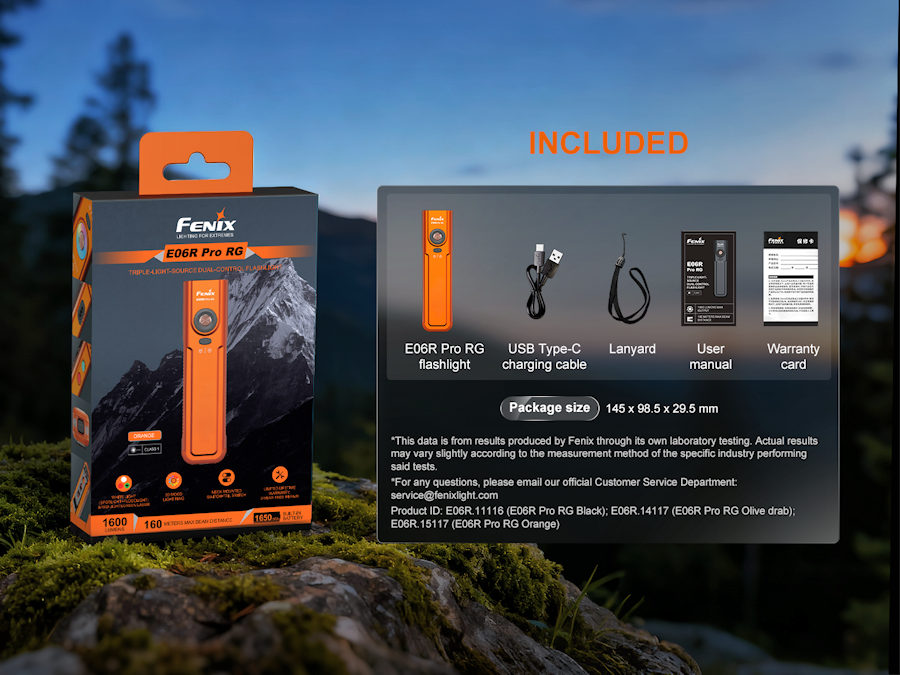
Retail Packaged Fenix E06R Pro RG Torch USB C Charge Lead Lanyard User Manual Warranty Card
For commercial orders and large purchases, contact us at 02921157162, or